How to manage departments and services
Create departments and services, archive them and use them in sendings and reports.
Departments and Services organize your team and let you filter your reports. They work the same way.
Open the pages
Click your name in the top-right corner, then Settings, and open Departments (Department Management) or Services (Service Management).
Create a department
Click Add Department.
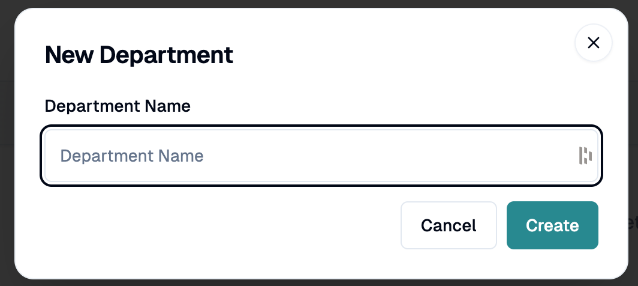
In New Department, enter the Department Name.
Click Create.
Create a service
Click Add Service.
In New Service, enter the Service Name (for example Customer Support, Sales, Marketing) and an optional description.
Click Create.
Edit, archive and restore
Edit Department or Edit Service: click the pencil, then Save.
Archive Department or Archive Service: it disappears from active use. Archiving a department also archives it for its employees.
To see archived items, choose Archived departments or Archived services in the display filter, then click Restore.
Use Search departments... or Search services... to find one.
Where they are used
In Send a sequence, you can link a sending to departments and services.
In the Questionnaires report, filter by Department and Service.
In the dashboard filters, filter by department.
If you have any questions, feel free to contact us via the chat.